Third Avenue Kiteboarding/Sailboarding Camera Site

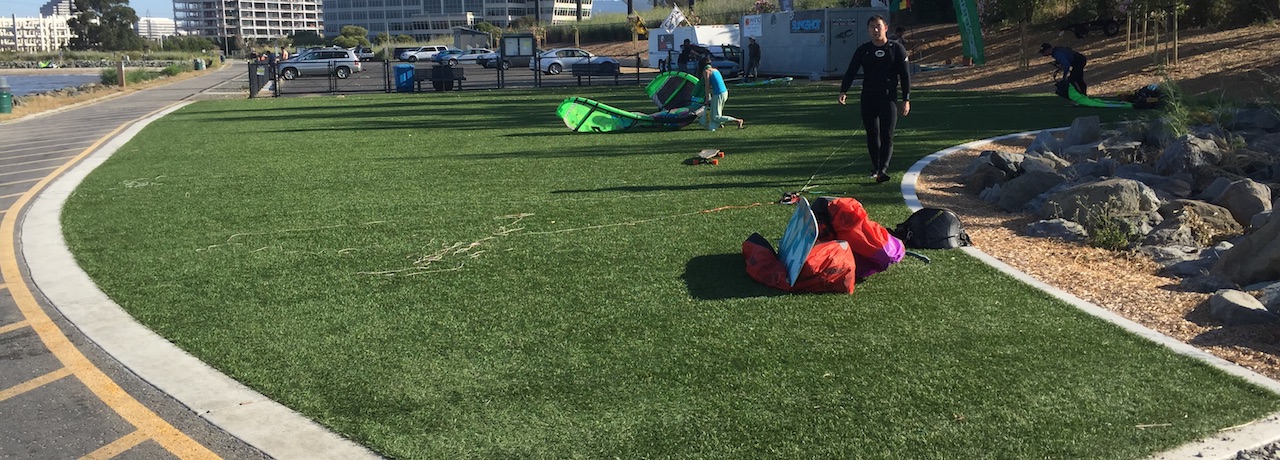
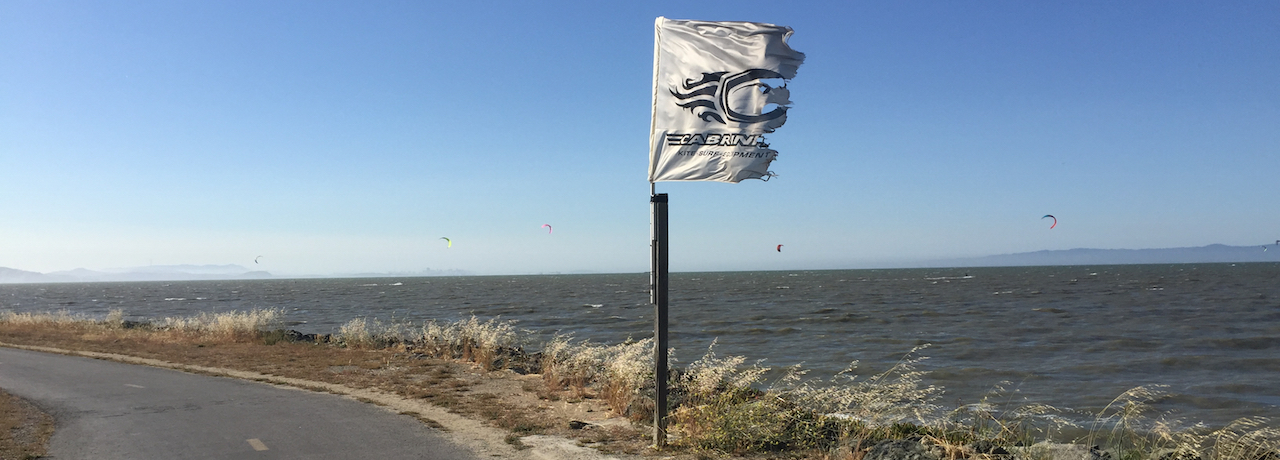
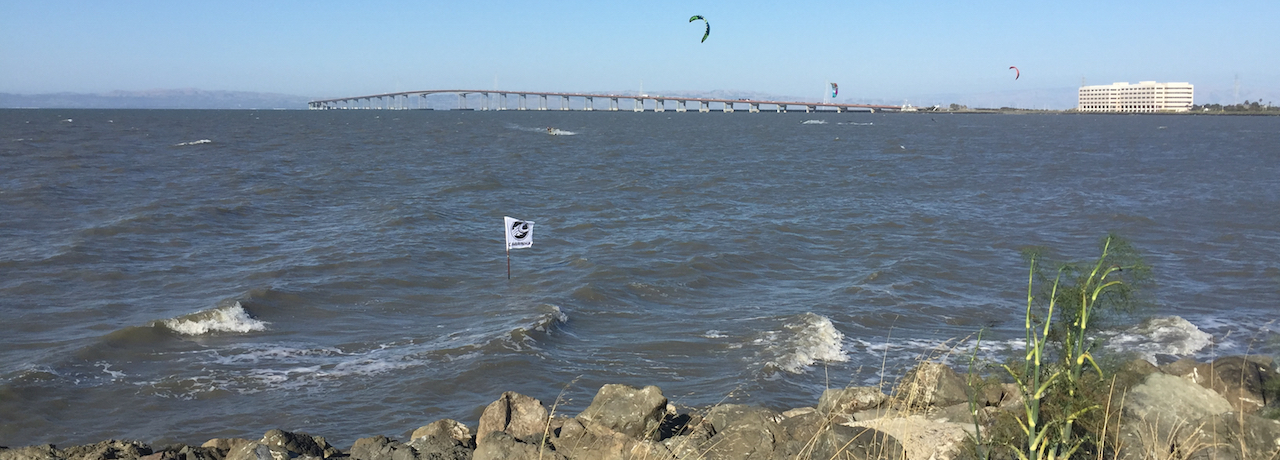
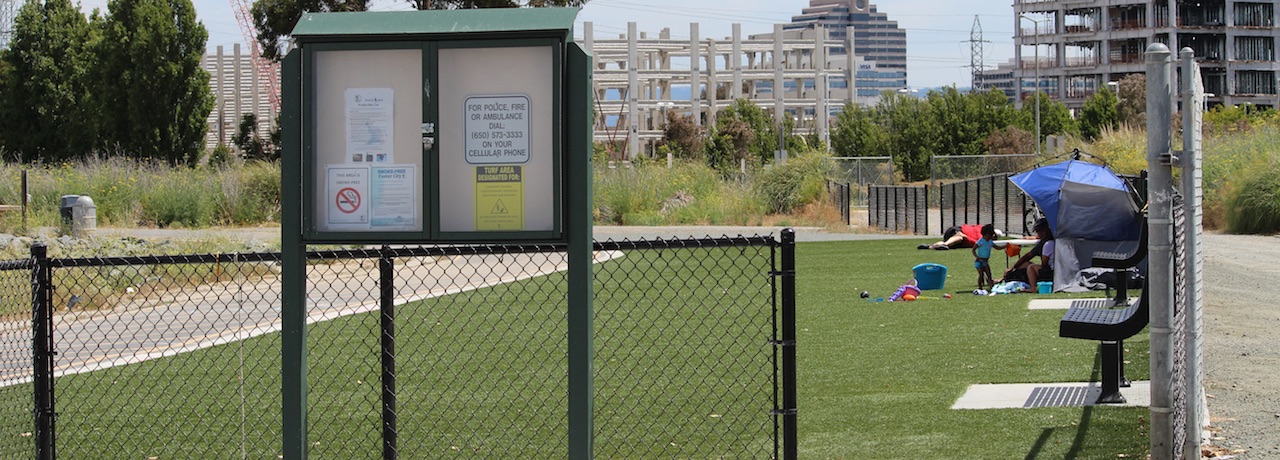
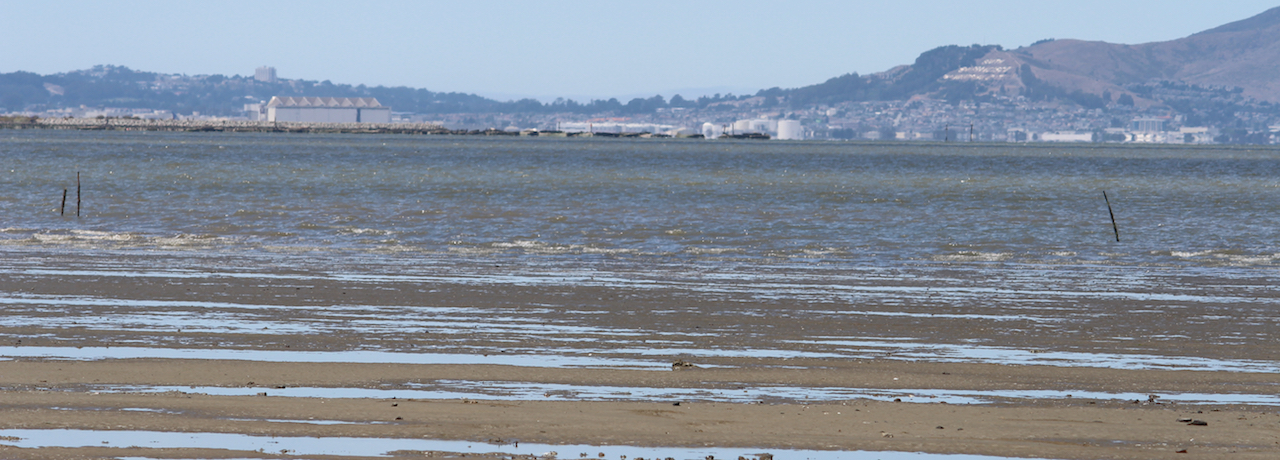
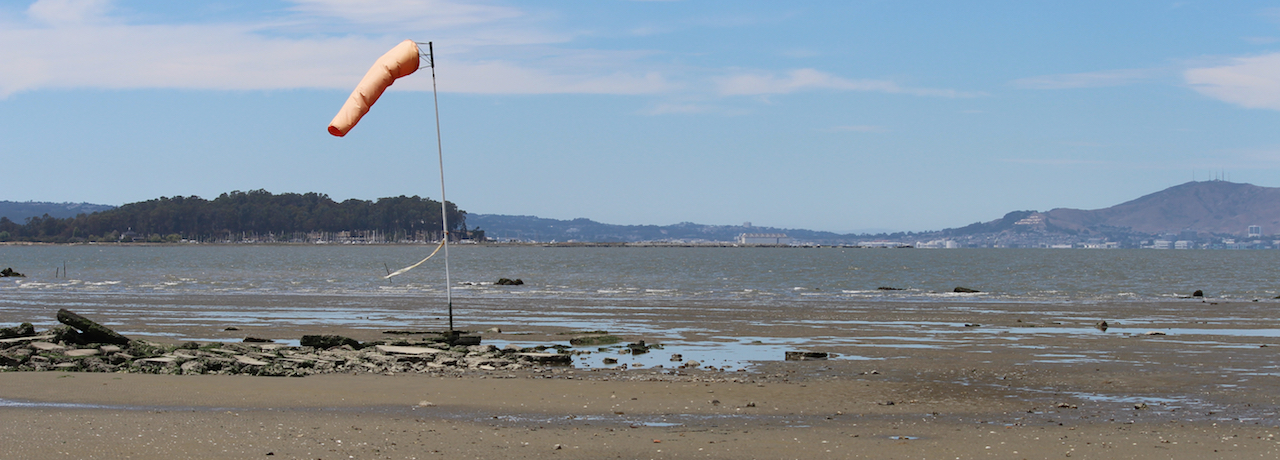
Welcome to 3rd Avenue, a kiteboarding/sailboarding site on the San Francisco bay. You should be able to tell from the various "signs" whether or not to get yourself over to 3rd, one of the best kiteboarding sites anywhere.

Visit the home of our permanent webcam host, EFI, by selecting the image at the top of this page. EFI is a market leader in printing technology. The company provides products, services and support to handle all businesses’ printing needs. Headquartered in Foster City, CA, with 23 worldwide offices, EFI’s award-winning, innovative technologies increase the productivity and profitability of commercial and enterprise printing. Special thanks to Kevin Sugiyama at EFI for his support with the weather instrument and Bill Beven who is currently hosting the the webcam in his office.

Do NOT Fly Kites From Or Over The Bike Path

Do not risk public ostracism and shame. If you cannot land your kite on a beach, land your kite in the water. Some kiters have been seen walking their kites up the ramp south of the lower beach. It doesn't matter who you are, the risk to the community and site is the same. In the future photographs may be posted here of individuals who flaunt this community-approved rule.

Camera Information

NOTE [08/09/2011]: Camera is working correctly again. The problem was a power outage at EFI that messed up the timer.

Location

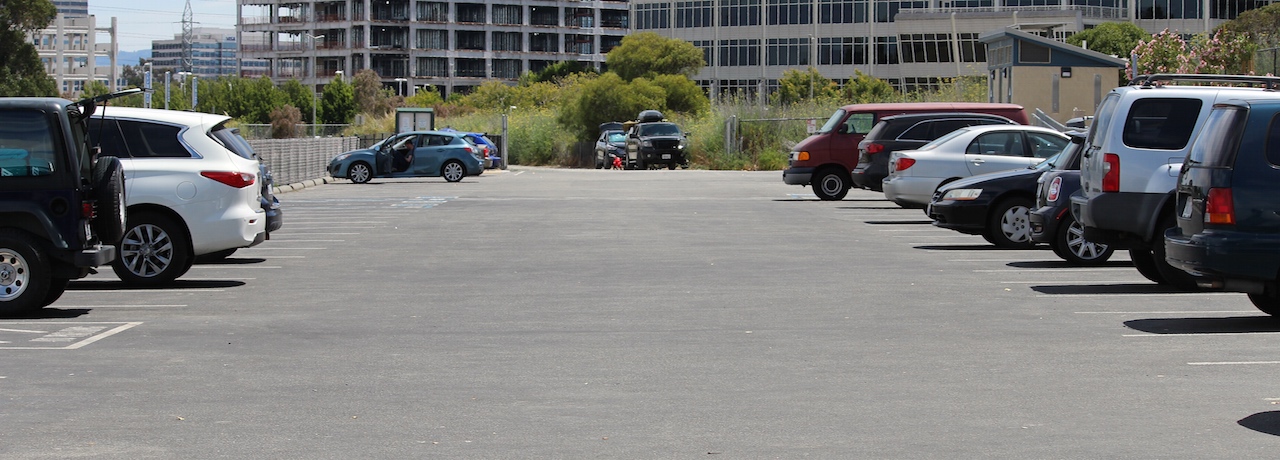
The 3rd Ave site is north-west of Highway 101 and the San Mateo Bridge (highway 92). We now have a Virtual Earth map to show you exactly what it looks like from a birds-eye point of view (not sure when this was taken).

Hours of Operation

The network camera image is currently being updated (8 matrix images plus 33 panoramic images) cyclically.

Camera and Positions

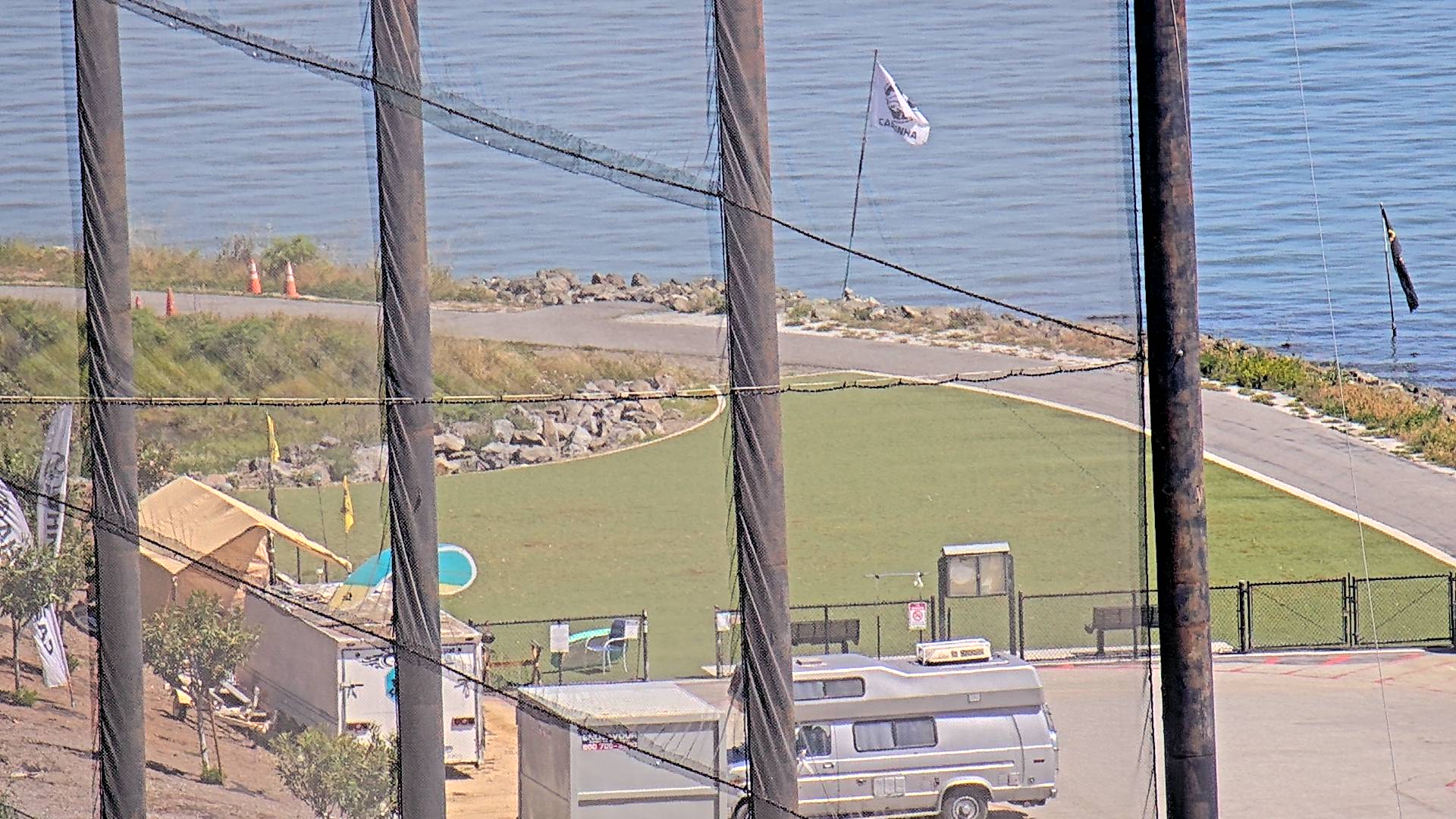
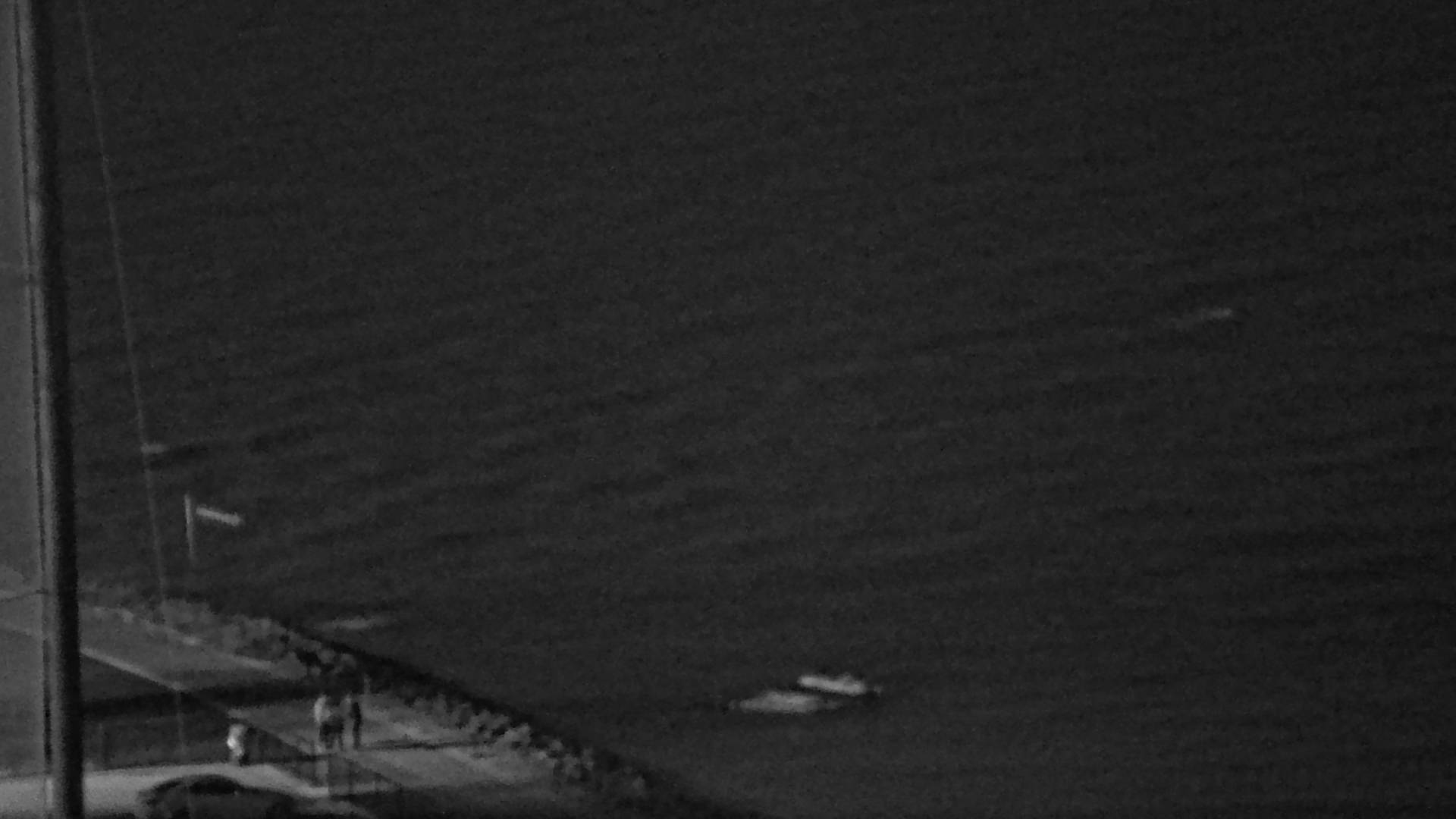
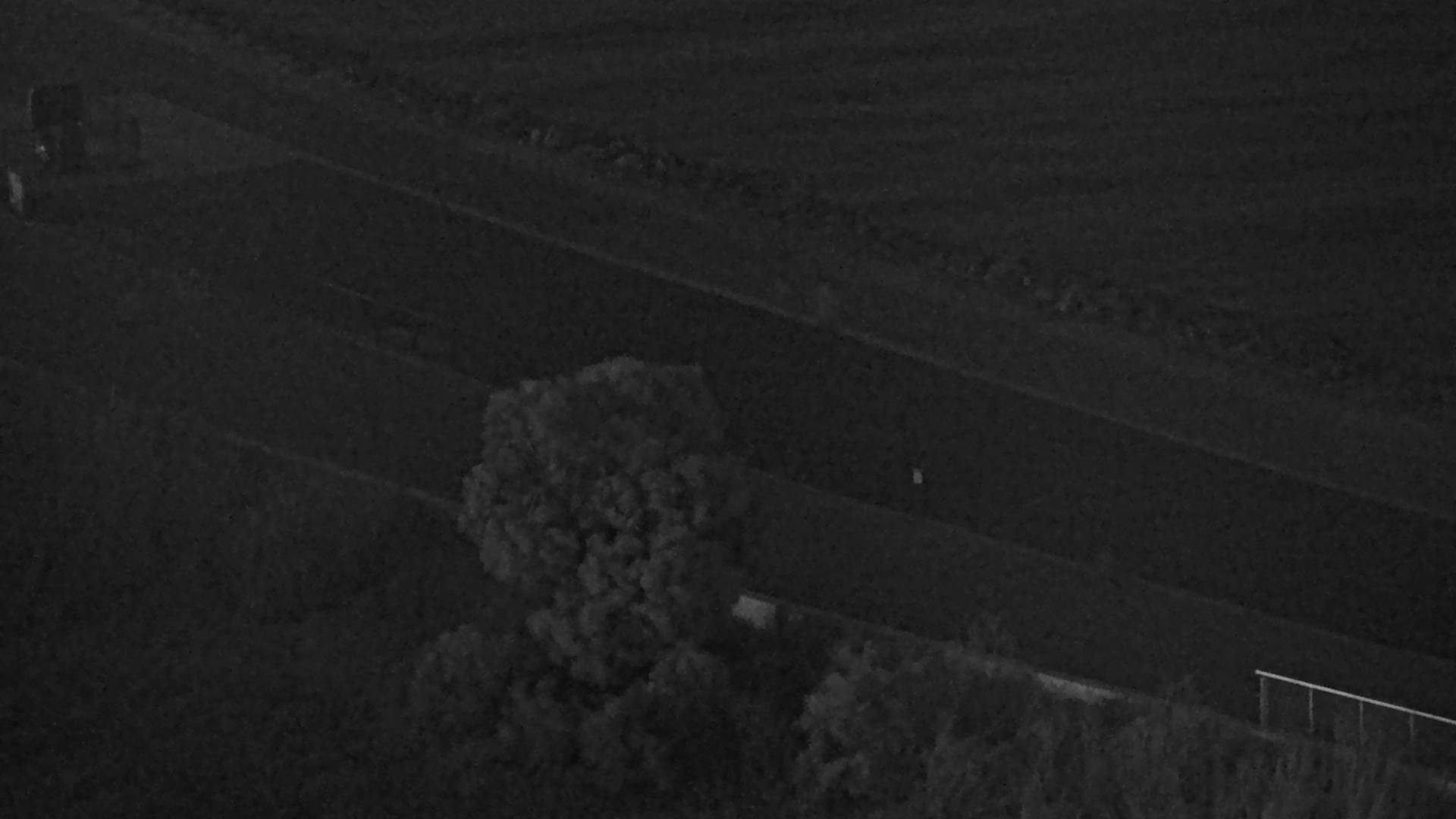
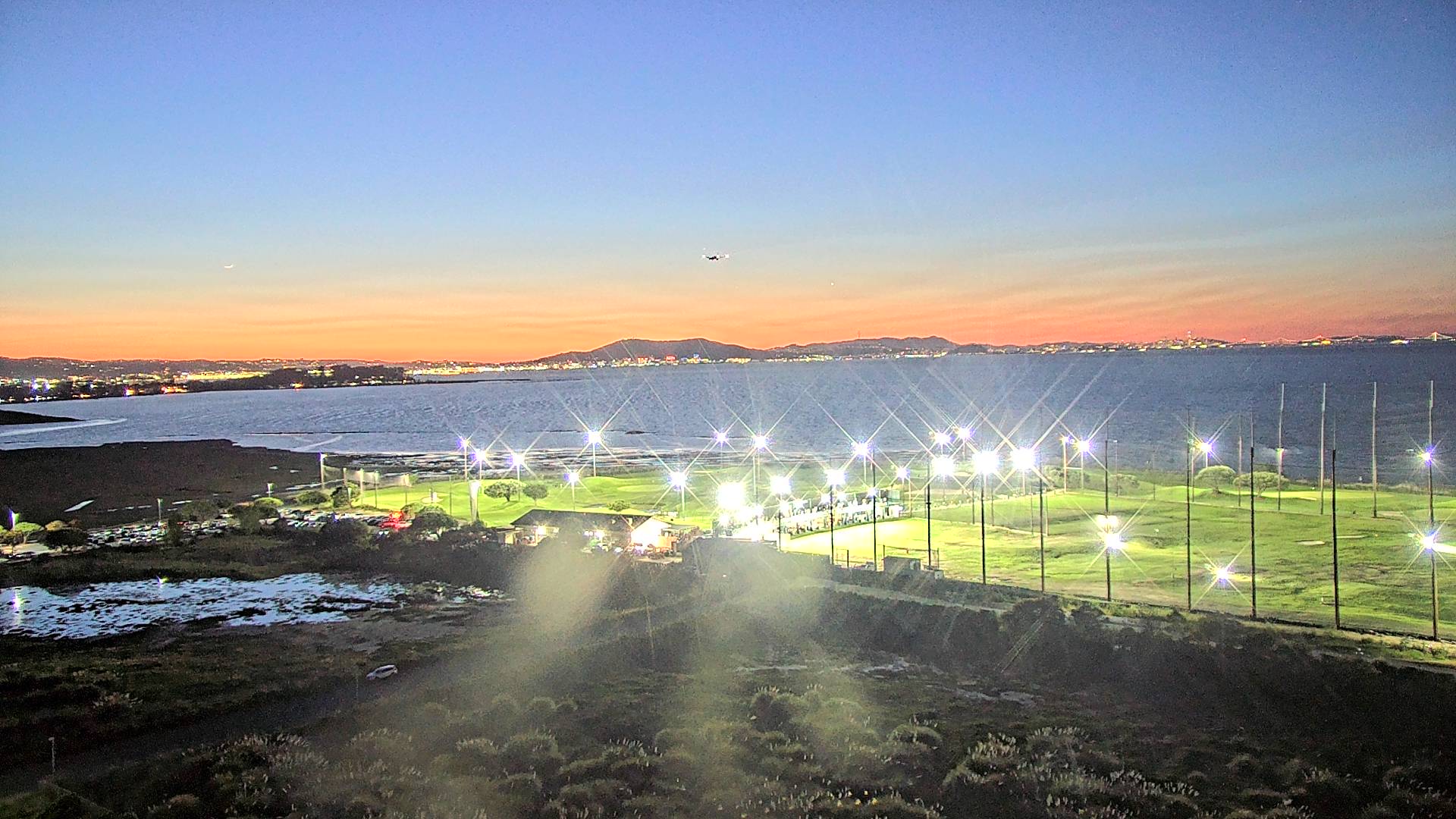
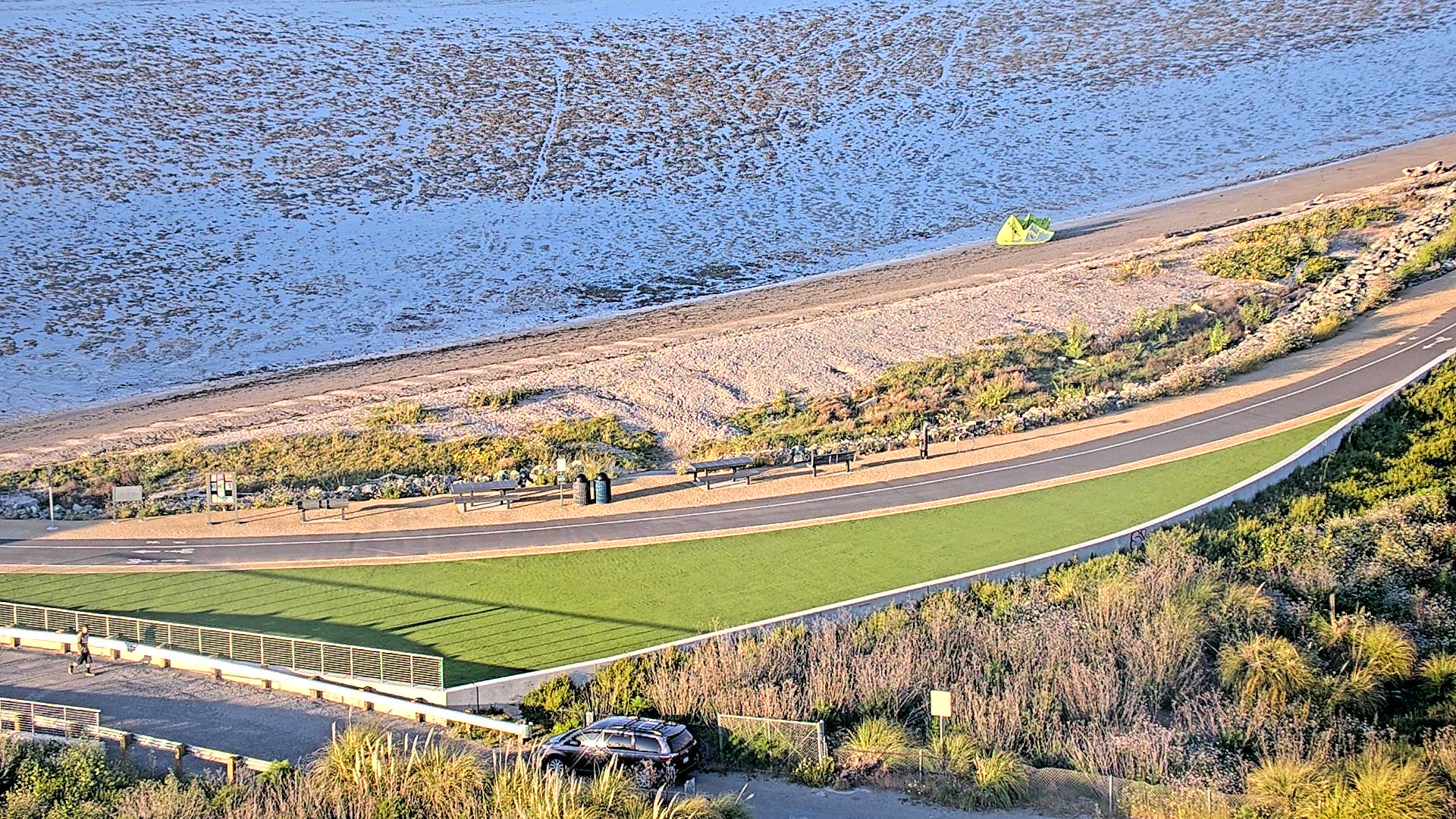
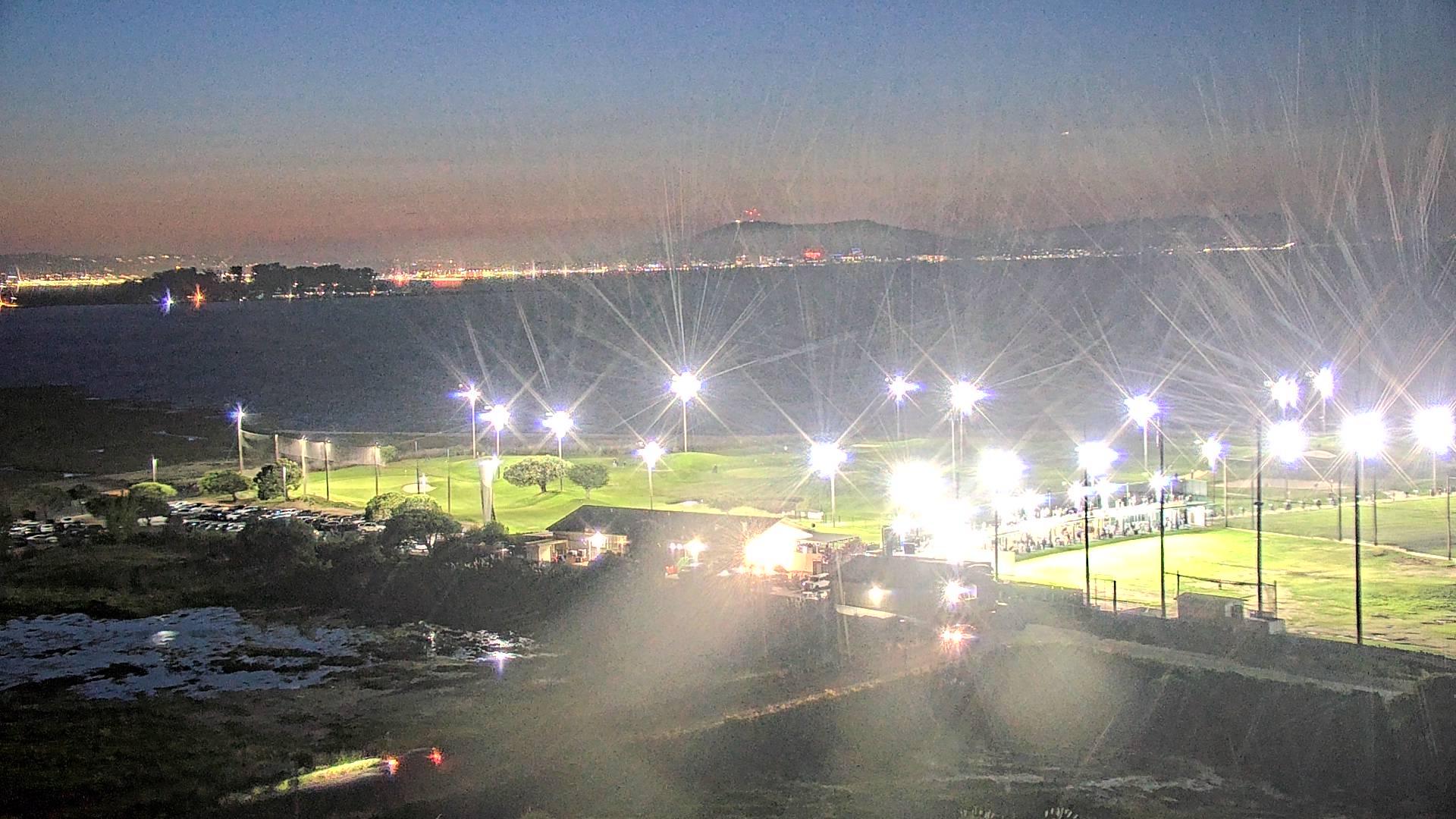
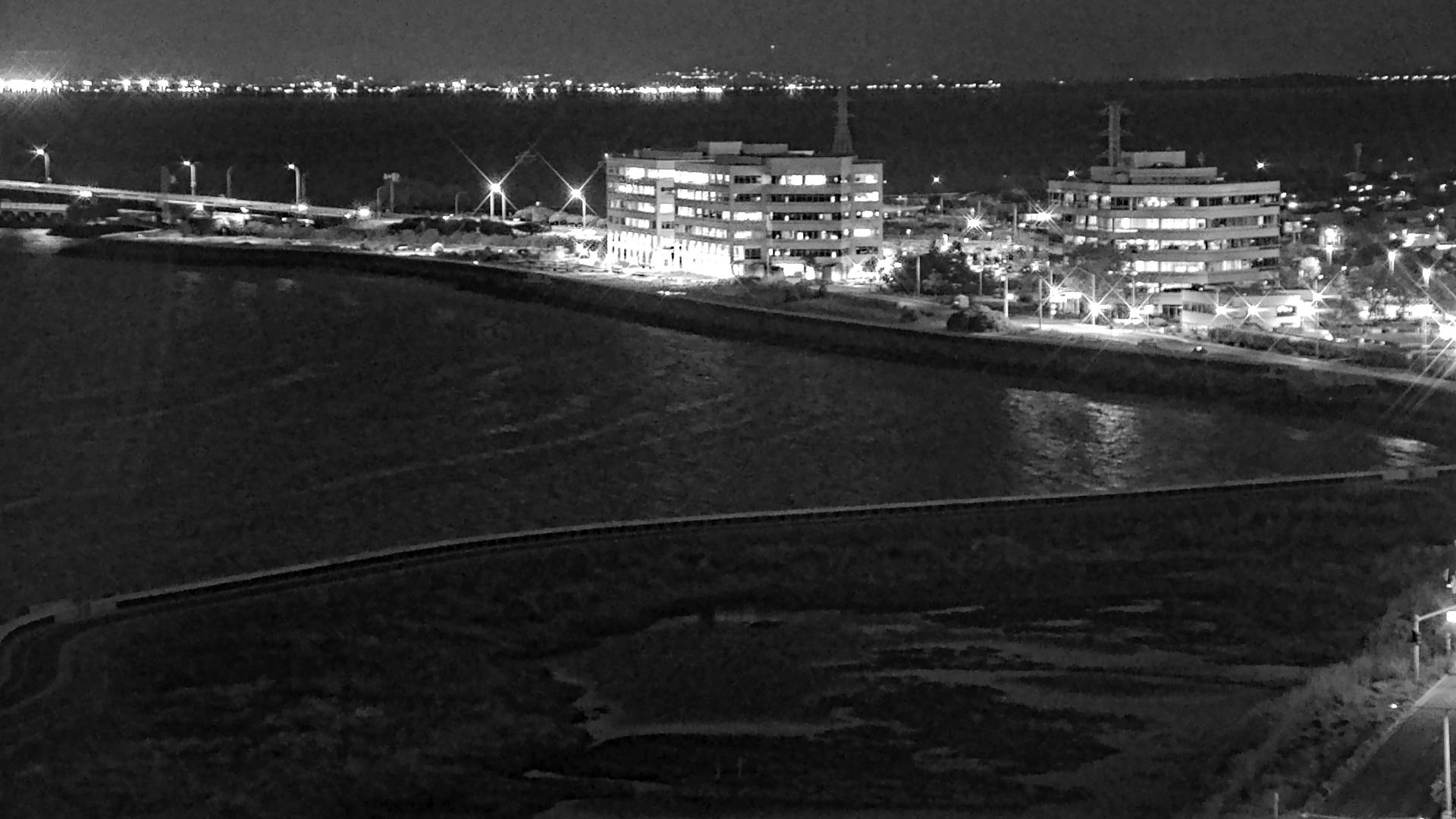
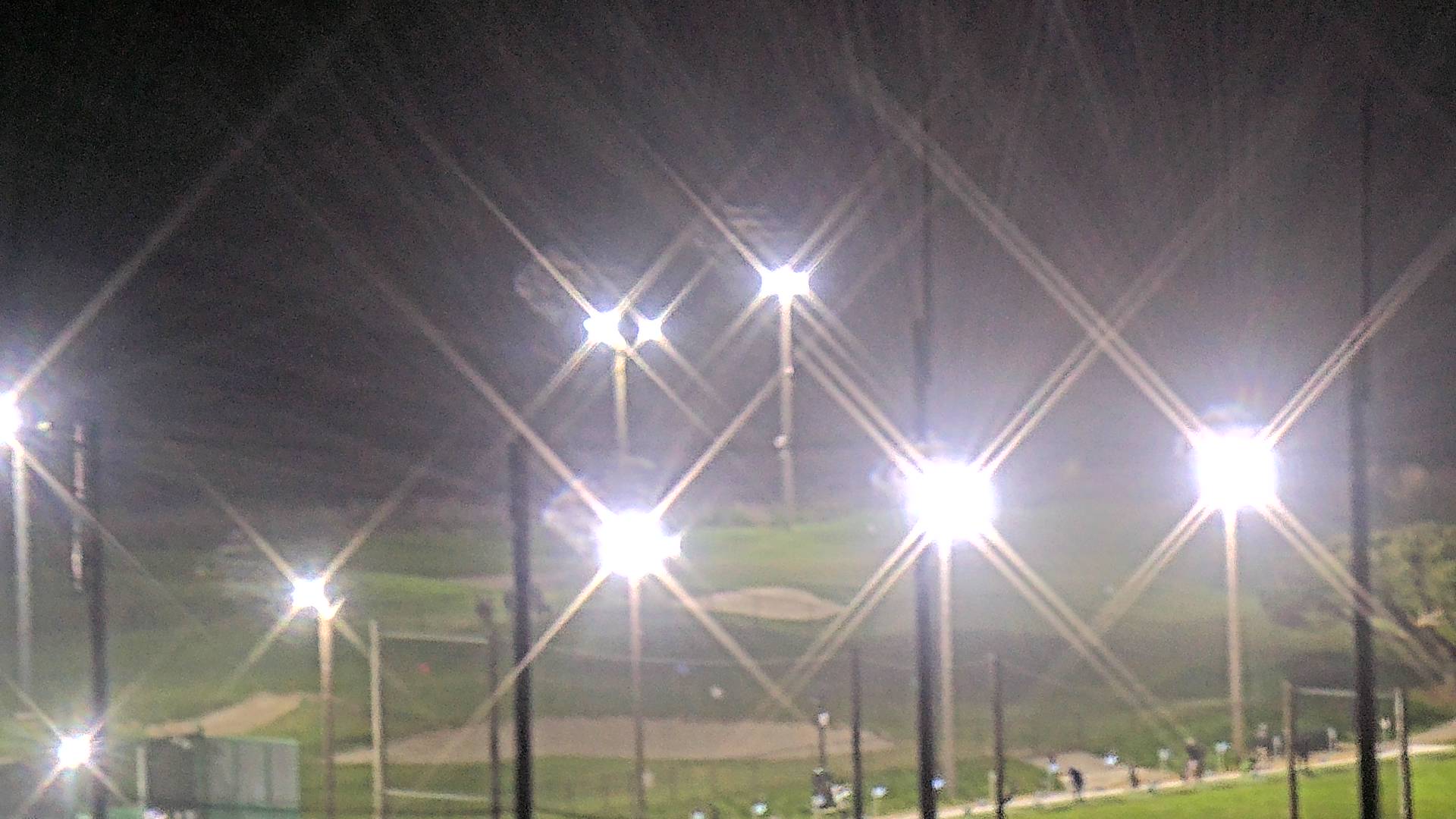
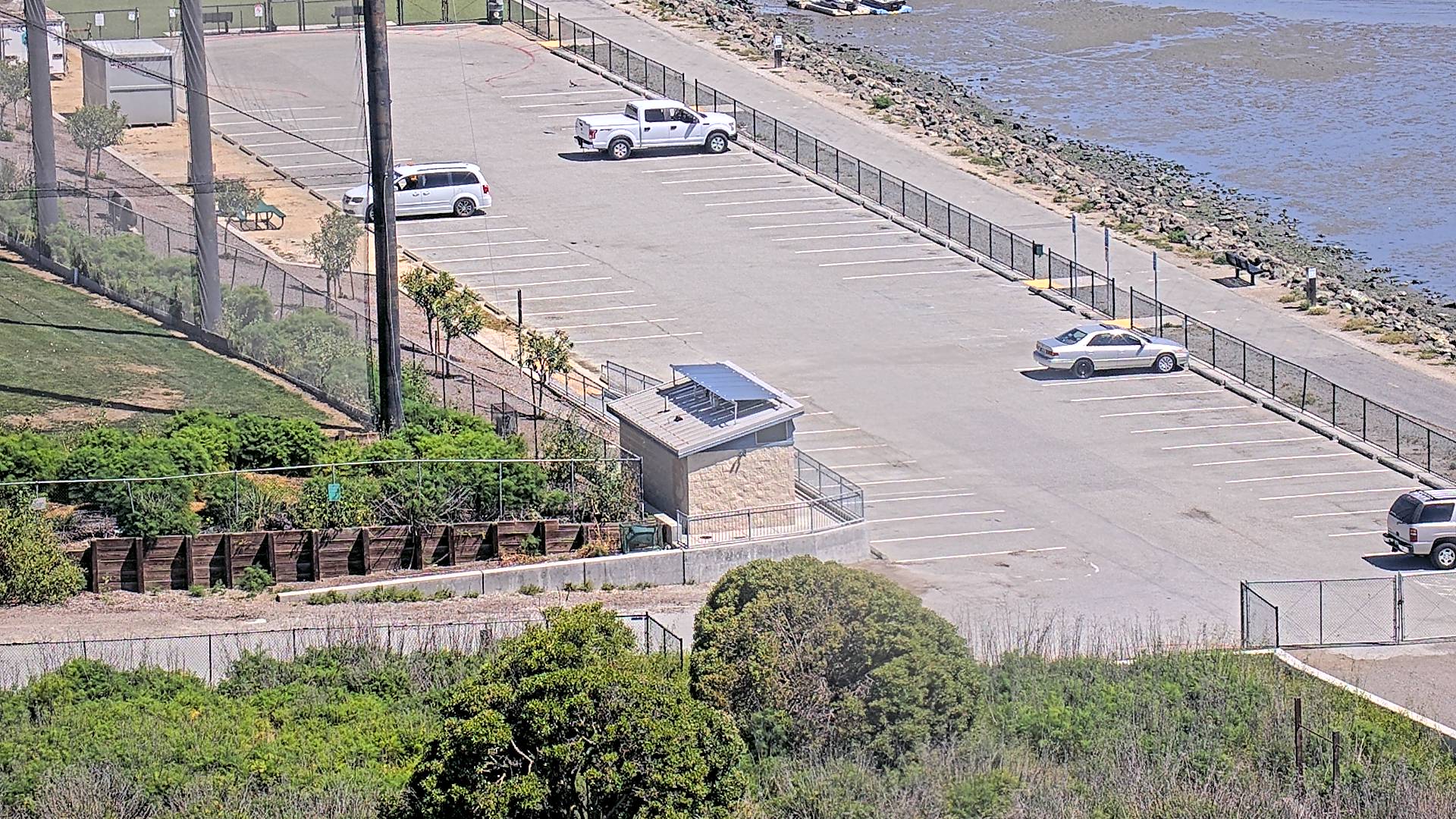
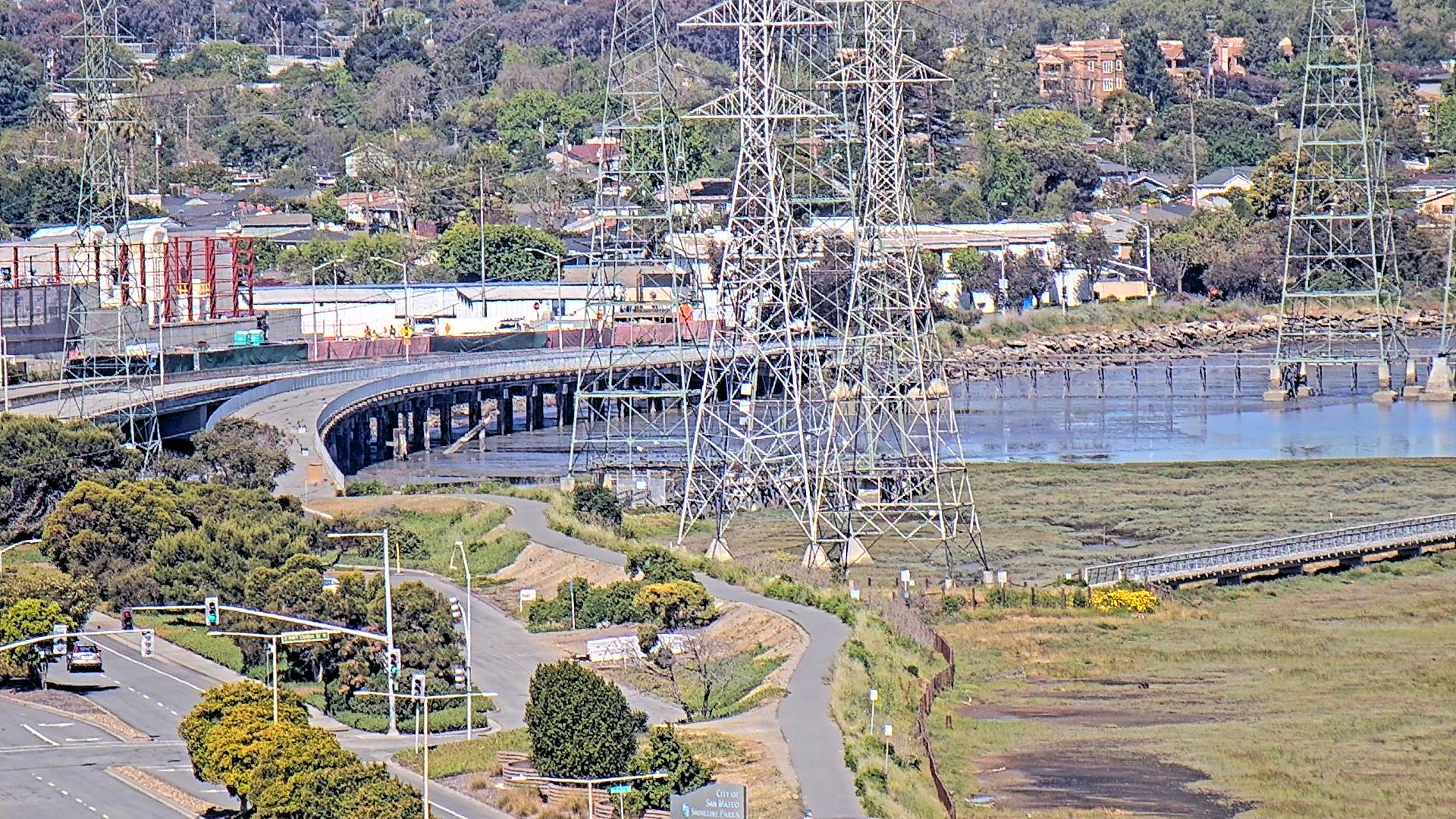
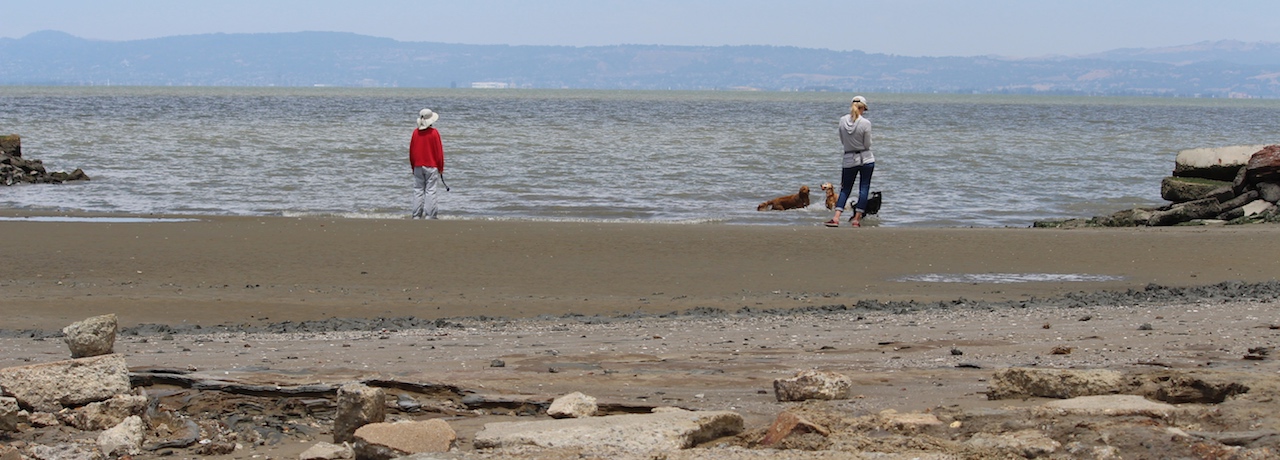
The matrix of eight images and panoramic shot show the conditions across the street from EFI. All of the images are taken by our Sony SNC-RZ30N, a PTZ network camera paid for and supported by the local community of sailboarders and kiteboarders, and maintained now by EFI. Currently the camera is taking 41 pictures in sequence and uploading them all at once. The first 8 images are the matrix you see below. The remaining 33 are glued into a panoramic image using ImageMagick montage. It isn't the prettiest 'stitch' because we aren't actually stitching them at all. If anyone knows of a linux-based and command-line capable stitcher that can do matrix stitches please tell me where it is. It would be absolutely wonderful to have a real stitcher.

The current settings have been changed to improve image quality and better surveillance.

Camera Images

The images below were last gathered at:

Matrix Image Thumbnails

Below are the most recent matrix (8) images collected. Select an image to see an enlarged version. To get current images please use reload on your browser. Otherwise timestamp may be out of date with images!

Panoramic View

Links

Third Ave iPhone Applications

I have written three iPhone applications to support our servers. One monitors the weather instrument/server and is called ThirdAveWind. Version 4.1 is on the iTunes App Store.

The second one monitors the webcam/server and is called ThirdAveView. Version 1.3 is on the iTunes App Store. As an important note, TAV will crash on iPhones older than 3GS if you try to view the panoramic view, so you can use it but the panoramic view is so useful that I recommend not getting it for the 3G.

ThirdAveWind and ThirdAveView can launch each other if you have both of them. This means that you can launch TAW and then you can launch TAV by tapping the video icon on the lower right tab and it will be launched. From TAV you can return to TAW by selecting either of the button/gauges at the top of any view.

The third application is actually a combination of ThirdAveWind and ThirdAveView into a single suite of features, called ThirdAveSuite. Version 2.1 is on the iTunes app store. Although ThirdAveSuite seems like the way to go, it is a bit clunky because there are so many tabs. I prefer the TAW/TAV combination myself.

Each of these apps is available for a one-time cost ($4.99) on the app store. This is not intended to be a profit making venture but to limit the people who download the app to those who actually need it. The fees go to the development/maintenance of the software and the ISP, with tutorials on the Arbor-Studios site.

3rd Ave Weather Instrument

EFI has graciously agreed to support a weather instrument on their roof. The permanent link is below. This is a Flash site and the readings are updated approximately every 15 seconds. There have been several questions about how gusts are determined for the purposes of this display. According to the research I have performed, gusts are typically defined thusly: 'Standard' gust speeds are measured over a 3 second running mean period." Our instrument is a Davis Vantage Pro 2 and samples every 2.5 seconds, which is close to the standard definition, so our gust readings are probably using the standard even though we are only uploading that data every 15 seconds. For our purposes please consider gust readings to be the same as instanteous wind readings.

Everyone is always asking how the weather instrument compares to values on the water. Well, they are high. For the iPhone apps I have divided the values from the weather instrument by the multiplier I used to use to convert from knots to mph. That seems to align the wind speeds with somewhere between the ramp and the channel marker (from my measurements with my Kestrel). Weather instrument display (Flash)

Another public site is also available through WeatherUnderground at the following URL. This site will update information every 15-30 minutes. The GUI is not kiter/sailor oriented but the information is valid.

Weather instrument display (Weather Underground)

Here is an phone-centric link to the Weather Underground site:

WML WirelessWebcamURL

  • An HTML/non-WML wireless version of this website is available at the following URL. It has been tested on PPC 6700 and iPhone. It has also undergone some improvement since it was first released. Please use and report to me directly. Thanks.
  • HTML WirelessWebcamURL

    Send questions, comments, suggestions, and notifications about cameras, image server, or weather server malfunctioning to:

    Jack Hodges @ ARBOR-STUDIOS